

Blog & Insights
Discover clinical studies, expert guidance, and industry trends on advanced skin imaging and aesthetic diagnostic technology.
Discover clinical studies, expert guidance, and industry trends on advanced skin imaging and aesthetic diagnostic technology.
Buying an Observ 320 skin analysis system is not simply a matter of choosing the most attractive screen. It is a clinical and business decision that can influence consultations, treatment planning, and client trust. A useful system should produce consistent images, support clear documentation, and fit naturally into your existing workflow. Before comparing prices, consider who will operate it, which skin concerns you assess, and how results will be explained to clients. Small details matter. Room lighting, camera position, and staff technique can affect the experience.
This guide presents five practical tips for evaluating an Observ 320 skin analysis system. The focus is not on impressive demonstrations alone. Ask for a live demonstration, request technical specifications, and examine how the device handles repeat scans. Check whether reports are understandable, editable, and easy to share securely. Confirm training, software updates, warranty coverage, and response times for technical support. If possible, speak with current users who have similar clinic sizes and consultation routines. Their daily experience may reveal limits that a sales presentation overlooks.
A careful buyer should also question every attractive claim. Does the system provide useful visual information, or merely colorful images? Can staff interpret the results responsibly without overstating findings? No device replaces professional judgment, appropriate referral, or informed client consent. Regulations and data-protection duties may vary by location, so verify local requirements before purchase. The right choice may not be the newest model. It should be dependable, practical, and suitable for your team. Leave room for doubt. That is often where better decisions begin.
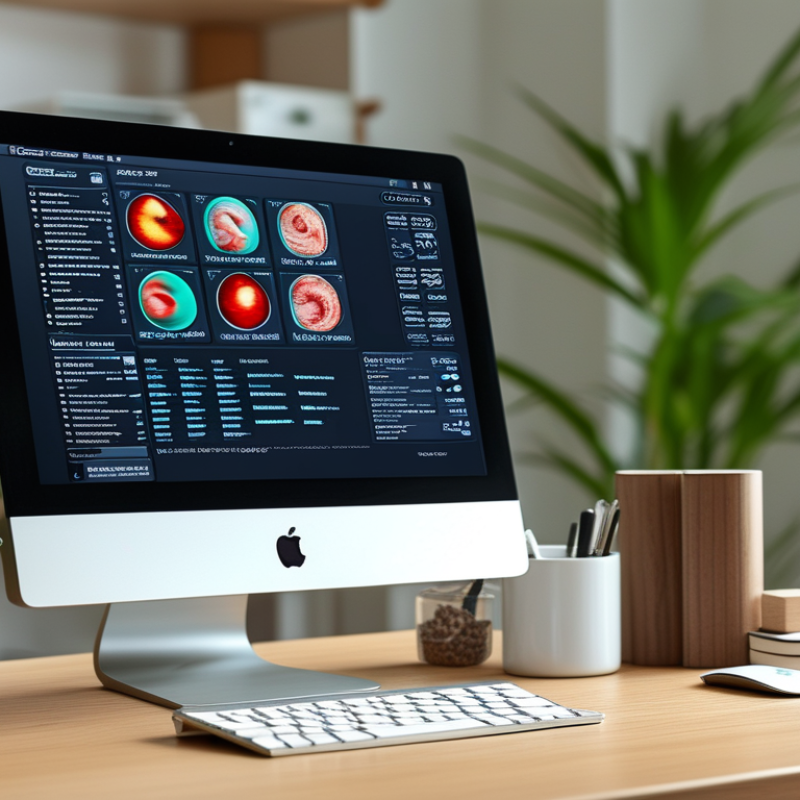
Understanding a professional skin analysis system starts with its purpose: turning visible skin patterns into clearer, comparable observations. It may use controlled lighting, magnification, and several imaging modes. These tools can show uneven tone, surface texture, redness, and pore visibility. They do not replace a medical examination. A trained professional should explain what the images suggest and cannot prove. In practice, positioning matters. A small camera-distance change can affect comparisons. Clean skin, stable lighting, and repeatable settings improve reliability.
Tip 1: Ask how images are captured and stored. Tip 2: Confirm how personal data is protected. Tip 3: Ask about calibration, software updates, and staff training. A polished screen is not enough. Request a live demonstration on different skin tones. Performance may vary. Check whether results use reference scales instead of vague color labels.
Tip 4: Compare the system with your clinic’s workflow. Images should be quick to capture and easy to review. Tip 5: Request a sample follow-up report, with privacy protected. Look for measurable language, not dramatic promises. I would also test repeat scans on one person. They should tell a consistent story. Still, no device is perfectly objective. Human interpretation remains important. That limitation deserves honest discussion before purchase.
| Tip | Buying Dimension | What to Check | Why It Matters | Practical Buying Guidance |
|---|---|---|---|---|
| 1 | Imaging capability |
|
Consistent lighting and positioning make before-and-after comparisons more reliable. Different lighting conditions can change the appearance of redness, pores, texture, and pigmentation. | Prioritize repeatability and image clarity over the number of visual modes alone. |
| 2 | Assessment accuracy and limitations |
|
Skin-analysis systems can support consultation and documentation, but image-based results may be affected by makeup, facial movement, ambient light, and skin condition. | Select a system with clear disclaimers, transparent reporting, and a workflow that keeps professional judgment involved. |
| 3 | Software and reporting workflow |
|
A well-designed workflow reduces consultation time and helps maintain consistent records across appointments and staff members. | Test the complete process from image capture to final report before purchasing. |
| 4 | Privacy and data security |
|
Facial images and consultation records are sensitive personal data in many jurisdictions. Poor data handling can create privacy, legal, and reputational risks. | Choose documented privacy controls and obtain appropriate client consent before capturing or storing images. |
| 5 | Total cost and support |
|
The lowest initial price may not be the lowest total cost if support, software access, calibration, or staff training are excluded. | Request a written total-cost estimate and service agreement before making a commitment. |
Buyer reminder: Use skin-analysis results as consultation support and visual documentation, not as a substitute for professional medical diagnosis.
It captures visible patterns using controlled lighting, magnification, and different imaging modes. It may show uneven tone, redness, texture, and pore visibility. It does not provide a medical diagnosis. Images suggest patterns, not certainty.
Camera distance, lighting, and positioning can change the results. Clean skin and stable settings improve comparisons. A small angle change may alter apparent redness. Consistency matters most.
Repeat scans on the same person under similar conditions. The results should tell a reasonably consistent story. Test different skin tones and acne stages. Do not trust one attractive image.
Ask how images are stored, accessed, and protected. Request clear information about retention and staff permissions. Use privacy-protected sample reports during evaluation. Data handling deserves careful questions.
No. A trained professional must explain what images suggest. They should also explain what the images cannot prove. Human interpretation remains necessary. The technology is helpful, but imperfect.
Start with daily needs, not an impressive feature list. A busy clinic may need images captured within five minutes. A research-focused practice may need exports and detailed measurements. The most expensive option may fit poorly.
Look for repeatable scans, measurable language, and clear reports. Reference scales are more useful than vague color labels. Compare progress across similar lighting and positioning. Dramatic promises are a warning sign.
Staff should learn positioning, lighting, calibration, and result explanation. They should understand scoring limits and possible variation. A polished screen cannot replace practical training. Some uncertainty will remain.
Choosing an Observ 320 skin analysis system requires more than comparing technical specifications. Start by understanding how the system captures and presents skin images, including its lighting modes, image consistency, and diagnostic functions. Consider whether the results are clear, reliable, and useful for consultations, treatment planning, progress tracking, and patient education. The system should match your clinic’s size, specialty, workflow, and expected number of users.
It is also important to review the software interface, reporting tools, data management options, and compatibility with your existing procedures. Ask about installation, user training, maintenance, and how easily staff can learn the system. Finally, compare the total cost of ownership, including purchase price, warranty coverage, updates, service response times, and after-sales support. A well-informed decision should balance imaging performance, practical usability, staff confidence, long-term value, and the specific needs of your clinic.